It’s an interesting time to be interested in education and technology. We have programs going all in on new tech integration, like the TimeBack and Alpha School folks. We have screen-free microschools, homeschool groups, and forest schools organizing to get access to accreditation and state funding as their waitlists grow. And we have programs like mine experimenting with something in-between.
Periodically, I check the filters and update the content management tools on all the school devices and on my personal devices. To the foundational content filters and blockers already installed, here are the tools I’ve recently added to support the folks using our shared tech — kids and adults alike — in having a more intentional and balanced experience online:
For blocking short-form content, recommendations, and other algorithmic nudges on sites like YouTube for my Chromebook users:
+ for prompting stretch, movement, and hydration breaks
https://chromewebstore.google.com/detail/oifmahnepecgegpdiomjikkmfmnlbdjo (“Take A Break”)
For blocking short-form content, etc. for my iPad users:
https://apps.apple.com/us/app/short-video-hider/id6745738626
Kid favorite for focus and screentime break support across devices:
https://www.yourfocusfriend.com/
All of these apps have settings that let me specify which functions are most important for our space. I really like that some of them let me hide them on the browser bar or password lock them. Of course, kids will learn to hack through any tools they are determined to hack through, but I’m content to add friction and stay in conversation about what tools we’re using and why. The intent isn’t to completely control their tech use; it’s to support everyone in making deliberate choices even when the sites we’re excited to use (we love a 10 hour Spongebob or Bluey lofi YouTube video over here) are trying to co-opt our decison-making.
The filtering and breaks wouldn’t do what I’m looking for in terms of teaching conscious tech use if I was modeling something different as the lead adult on-site! I have hourly take-2-minutes-to-move-and-hydrate alarms on my phone that the kids listen for through the school day. I appreciate Focus Friend as much as everyone else, and I’ll make sure it’s visible that I’m using it even when I don’t need to in order to complete some task. Here are my other favorite [android] phone apps for supporting mindful tech use right now:
For adding delays and math puzzles and timers to social media apps:
For helping me remember to regularly delete or back up photos:
https://sponge-app.pages.dev/posts/sponge-app/
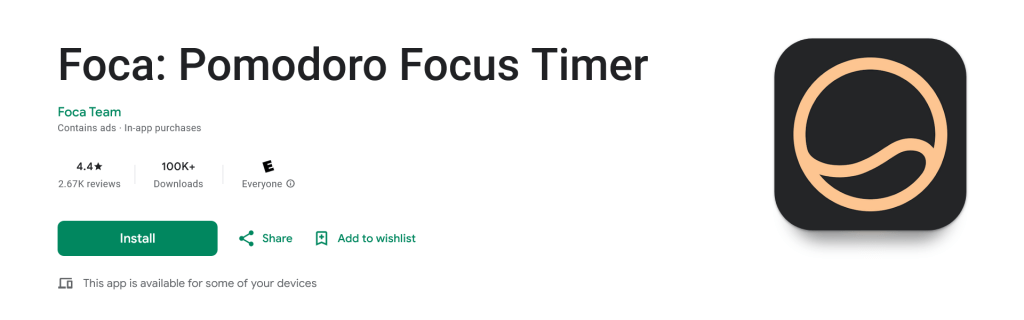
Simple pomodoro timer:
https://play.google.com/store/search?q=foca%20pomodoro&c=apps
Okay, this one’s website is down so maybe the developers are abandoning it. But it’s still downloadable and working well for me at the moment!
 abbyoulton.com
Leave a comment